

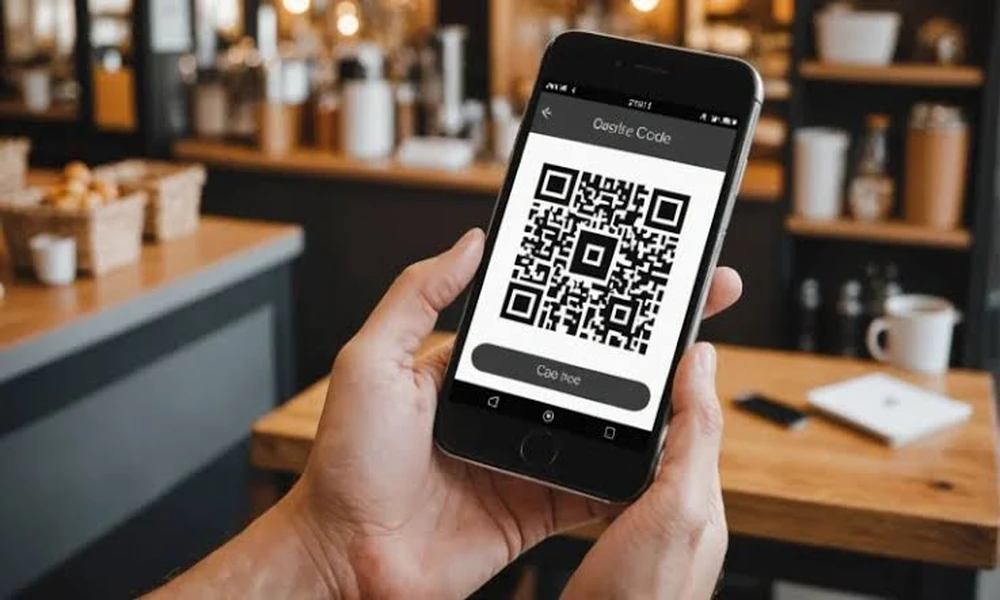
Businesses that handle hundreds of customer transactions every day need payment systems that can support their operations. Whether it is a supermarket, restaurant, retail chain or busy service centre, payment delays and incorrect transaction records can affect both customers and employees.
QR code payments allow customers to scan a merchant’s payment code and authorise transactions through supported digital payment applications. However, the requirements of a high-volume business are different from those of a small store handling only a few daily transactions.
Beyond accepting payments, businesses need reliable transaction confirmation, settlement information, reporting features and appropriate security controls.
This article explains the features businesses should evaluate when choosing a QR payment application for frequent customer transactions.
What Is a High-Volume Business Payment Environment?
A high-volume payment environment is one where a business processes a large number of transactions within a specific period.
For example, a supermarket may handle several hundred customer payments throughout the day, while a restaurant may experience concentrated payment activity during lunch and dinner hours.
Payment volumes can also increase during festivals, promotional periods and seasonal shopping events.
High-volume businesses typically need to manage:
- Frequent customer transactions
- Multiple billing counters
- Different payment amounts
- Payment confirmations
- Refund requests
- Daily settlements
- Transaction reconciliation
A payment application should support these requirements without creating unnecessary administrative work.
Why Do High-Volume Businesses Need Suitable QR Payment Systems?
When a business receives many payments, even small operational problems can create difficulties.
A delayed payment confirmation may hold up a billing counter. Missing transaction information may require employees to investigate payments after closing hours.
Businesses operating multiple counters also need to identify which transactions belong to each location or employee.
A suitable QR payment system can support clearer payment records and more organised transaction management.
However, no application can guarantee uninterrupted processing because digital payments also depend on banks, networks and other payment infrastructure.
Essential Features to Look for in a QR Payment Application
The right payment application should match the business’s transaction volume and operating requirements.
Clear Transaction Confirmation
Merchants need to know whether a customer payment has been completed.
The application should provide transaction information that helps employees distinguish successful payments from pending or failed transactions.
For busy stores, timely confirmation can help reduce delays at checkout.
Transaction Search and Filtering
High-volume businesses may need to locate payments from hundreds of daily transactions.
Search options based on date, amount or transaction reference can make this process easier.
Multiple Payment Counter Support
Businesses with several billing counters may need separate QR codes or payment identifiers.
This can help identify the source of each transaction.
Refund Management
The application should provide an appropriate process for reviewing and handling eligible customer refunds.
Businesses should confirm whether refund processing is supported directly or requires a separate service request.
Static and Dynamic QR Codes for Busy Businesses
Two common QR payment formats are static and dynamic codes.
Static QR Codes
A static QR code generally contains fixed payment information.
Customers scan the code and enter the required amount.
This arrangement can be suitable for businesses with straightforward payment requirements.
However, manual amount entry can increase the possibility of incorrect payments.
Dynamic QR Codes
A dynamic QR code is generated for a particular transaction and can include the payable amount and payment reference.
For example, a billing system may generate a QR code for a purchase worth ₹1,250.
The customer scans the code and reviews the displayed amount before authorising payment.
Dynamic codes can help reduce manual entry and may support matching payments with individual orders, depending on the available integration.
How a QR Payment App Supports Busy Retail Counters
A QR Payment App designed for merchant use may provide transaction history, payment confirmation and settlement reporting features.
Consider a retail business with four billing counters.
Each counter processes customer purchases throughout the day, and the owner needs to identify the total digital collections received.
An application with suitable counter-level identification can help distinguish transactions from different billing locations.
Useful features may include:
- Individual payment identifiers for counters.
- Real-time or timely payment status updates.
- Transaction references for completed payments.
- Searchable payment history.
- Settlement information.
- Downloadable transaction reports.
- Authorised employee access.
Feature availability varies by provider, so businesses should verify the supported functions before registration.
Importance of Payment Settlement Tracking
Payment confirmation and settlement are related but separate processes.
A successful customer payment indicates that the transaction has been processed. Settlement refers to the transfer of collected funds to the merchant’s designated account according to the applicable arrangement.
High-volume businesses should understand their settlement schedules and reporting options.
Review Settlement Timelines
Settlement timing depends on the payment provider and applicable service conditions.
Businesses should check when funds are expected to become available.
Compare Collections With Settlements
For example, suppose a store records ₹1,20,000 in successful digital customer payments during a day.
The business should compare its transaction records with settlement information and account for any applicable adjustments.
Identify Differences Early
Regular reconciliation helps identify missing records, refunds and settlement discrepancies.
This becomes particularly important when large numbers of transactions are processed daily.
Managing Payment Notifications Across Multiple Counters
In a busy store, employees may not have time to check a mobile device after every transaction.
Some merchant payment services provide supported audio notification devices or payment alerts.
These can help employees identify incoming payment confirmations.
However, notifications should not replace transaction verification.
If an alert is delayed or unavailable, employees should check the official merchant transaction record.
Businesses should also consider whether notifications can be associated with specific counters to avoid confusion.
Security Features High-Volume Businesses Should Evaluate
Processing frequent digital payments requires appropriate security measures.
A merchant payment application should support secure account access and suitable controls for business users.
Important considerations include:
- Administrator authentication
- Employee access permissions
- Transaction activity records
- Secure refund authorisation
- Device access management
- Official support channels
- Protection of sensitive business information
For example, a cashier may only need access to payment confirmations, while a manager may require settlement reports.
Giving employees access according to their responsibilities can help reduce operational risks.
How to Evaluate Application Performance During Peak Hours
A payment application may work well during quiet periods but face different demands when transaction activity increases.
Businesses should evaluate its behaviour during normal operating conditions.
Test Payment Confirmation
Check whether employees can identify completed transactions without unnecessary delays.
Review Transaction Records
Verify that transactions are recorded accurately and can be located when needed.
Check Counter-Level Reporting
For businesses with several counters, determine whether the system identifies the correct transaction source.
Evaluate Support Availability
Understand how payment-related issues can be reported and whether the provider offers suitable assistance for business operating hours.
Testing these functions can help businesses identify limitations before expanding usage.
Common Mistakes When Choosing a QR Payment Application
Businesses sometimes focus only on how easily customers can scan a QR code.
However, other operational requirements are equally important.
One mistake is choosing an application without checking whether it provides usable settlement reports.
Another is assuming that every merchant payment service supports multiple counters or branches.
Some businesses overlook refund controls and employee permissions.
Others rely entirely on payment notification sounds without checking actual transaction records.
Comparing practical features before selection can help prevent these problems.
Understanding Costs for High-Volume QR Payments
Businesses should review the complete cost of payment acceptance.
Applicable expenses may include payment processing fees, device charges, software subscriptions or additional reporting services.
Pricing can vary depending on the payment method and commercial arrangement.
Businesses should distinguish between ordinary UPI merchant transactions and other payment methods that may have different charges.
It is also important to understand whether advanced features require additional subscriptions or integrations.
The lowest advertised fee does not necessarily indicate the most suitable service for high-volume operations.
Choosing the Right Merchant QR Setup
A Merchant QR arrangement should match the number of billing counters, transaction volume and reporting requirements of the business.
A single counter may only require a clearly displayed payment code.
A larger business may benefit from separate codes or payment identifiers for different counters, particularly when transactions need to be matched with specific sales.
Where available, dynamic QR integration may help connect payment amounts with individual invoices.
Before selecting a setup, confirm whether it supports your existing billing process and provides the transaction information needed for reconciliation.
Businesses should also review code security, payment confirmation procedures and arrangements for replacing damaged or compromised QR displays.
Conclusion
Choosing a QR payment application for a high-volume business requires more than checking whether it can accept customer payments.
Transaction confirmation, multiple counter support, settlement tracking, refund management and security controls are important operational considerations.
Businesses should also evaluate reporting features, applicable charges and performance during busy periods.
A suitable QR payment system should provide the information employees need to verify payments and maintain accurate collection records.
By testing available features and comparing them with actual business requirements, retailers and service providers can select a payment arrangement that supports their daily transaction volumes.
Frequently Asked Questions
1. What Features Should a QR Payment App Have for High-Volume Businesses?
Important features include transaction confirmation, searchable payment history, settlement reporting, refund management and support for multiple payment counters.
2. Are Dynamic QR Codes Better for Busy Retail Stores?
Dynamic QR codes may be useful because they can include transaction-specific amounts and references, reducing manual entry and supporting payment reconciliation.
3. Can Multiple Billing Counters Use Separate Merchant QR Codes?
Some merchant payment services support separate QR codes or identifiers for different billing counters, depending on the provider’s features.
4. How Can High-Volume Businesses Track QR Payment Collections?
Businesses can review transaction records, compare them with settlement reports and reconcile collections against their internal sales information.
